Your EV charging data warehouse, queryable in your own tools
Connect your own Snowflake-compatible tools to the raw operational data behind your network. Every charging session, charge point, transaction and subscription, query-ready in SQL.
The data was always yours. Now you can query it.
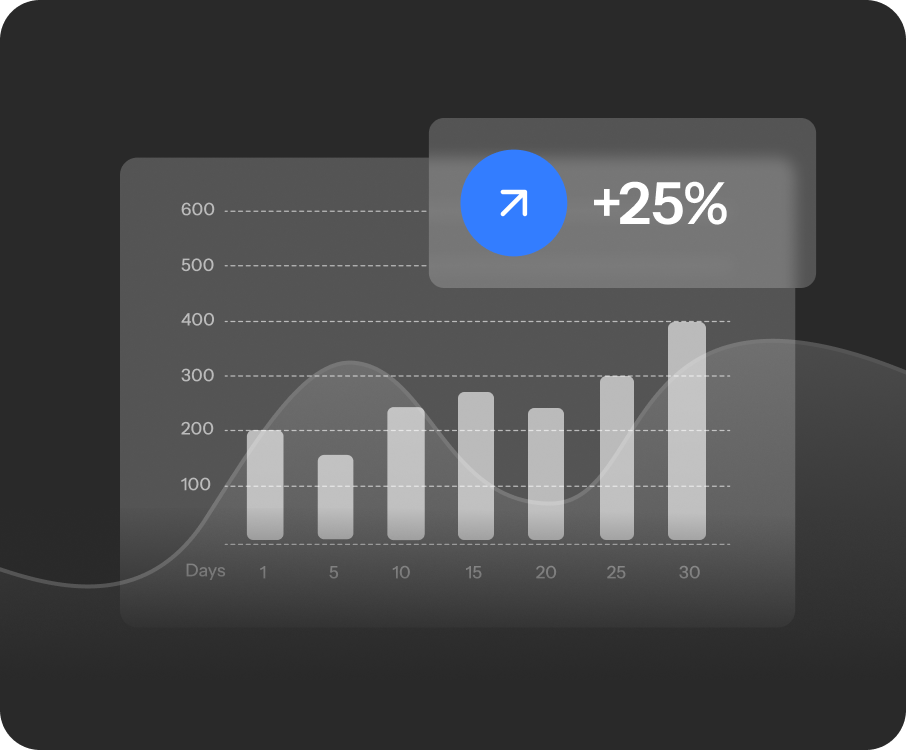
For years your charging data sat behind a portal, answering the questions someone else predicted. The data warehouse hands you the raw tables instead. No standard-report queue, no export to reverse-engineer, nothing locked in. Join it to your ERP, finance and CRM data and model it the way your business actually works.
Everything in your network, query-ready
Over 35 tables span every operational domain, cleaned and curated for analysis. Pick the ones you need and join across them.
Charging activity
Every charging session, with energy delivered, duration and status, down to the individual transaction.
Charge points and sites
Your full estate, the charge points, the sites they sit on, and the hardware models behind them.
Transactions, tariffs and pricing
Per-session costs, applied tariffs and charge pricing, ready to reconcile against your own records.
Subscriptions, invoices and billing
Subscriptions, purchases, invoices and receipts, so finance can trace revenue to its source.
Users, teams and wallets
Accounts, teams, wallet balances and currencies, with personal data handled responsibly on deletion.
Answer your own questions in SQL
No new query language to learn. Point your Snowflake connection at your schema and write standard SQL, with the joins, CTEs and aggregates your analysts already use. Here is energy delivered per charge point, by month.
SELECT
  cp.name AS charge_point,
  DATE_TRUNC('month', c.started_at) AS month,
  COUNT(*) AS charges,
  ROUND(SUM(c.kwh), 1) AS kwh_delivered
FROM partner.production_examplepartner.charges c
JOIN partner.production_examplepartner.charge_points cp
  ON cp.id = c.charge_point_id
GROUP BY 1, 2
ORDER BY month DESC, kwh_delivered DESC;
import snowflake.connector
conn = snowflake.connector.connect(
account="st17140.eu-west-1",
user="YOUR_USER",
private_key_file="rsa_key.p8",
warehouse="PARTNER",
database="PARTNER",
schema="PRODUCTION_EXAMPLEPARTNER",
)
rows = conn.cursor().execute(open("kwh_by_charge_point.sql").read())
for charge_point, month, charges, kwh in rows:
print(charge_point, month, charges, kwh)Built for the way your team works
Reconcile revenue at source
Finance traces every invoice, receipt and per-session cost back to the transaction that created it, instead of stitching exports together.
Analyse network performance
Track utilisation, energy delivered and charge success rate across sites and months, in the BI tool your team already runs.
Build custom BI and forecasts
Model charging data alongside your ERP and CRM to forecast demand and revenue, on your own schema and schedule.
Put your charging data to work in the tools you already trust.
FAQs
Your team generates an RSA key pair and shares the public key with your Monta contact. We provision a Snowflake account scoped to your own schema, and you connect with any Snowflake-compatible tool.
Anything that speaks Snowflake. SnowSQL, the Python connector and DBeaver are documented, and BI tools like Power BI, Looker and dbt connect the same way.
Every table is updated every eight hours, so your analysis runs against recent operational data rather than a nightly snapshot you have to wait for.
Over 35 tables across charging activity, charge points and sites, transactions and pricing, subscriptions and billing, and users, teams and wallets.
When records are deleted, personal data is overwritten while the relationships are preserved, and affected rows are flagged with an is_deleted_pii column.
Yes. It is standard SQL in a standard Snowflake warehouse, so you query and export it with your own tools at any time. Nothing is held in a proprietary format.
Your charging data, finally in your warehouse
See the schema, connect your tools, and start querying. Book a demo to walk through access, or read the documentation to get going on your own.