
Request a new payout bank account in Monta Hub as a change request. Another admin approves it, and every operator admin is notified by Hub message and email.
For: Operator members who manage where the operator's payouts go, and operator admins who approve those changes.
You can change the bank account your operator's payouts go to yourself, in Monta Hub. The change runs as a change request: one person asks for it, and it only takes effect once another admin approves it. Every operator admin is notified when a change is requested and when it's decided, so an unexpected change is caught before any payout moves.
How do I request a new payout bank account?
- Go to Operator profile and scroll to Bank accounts.
- On the account you want to replace, click Change bank account.
- Enter the account name, pick the account type and fill in the account details.
- Click Save.
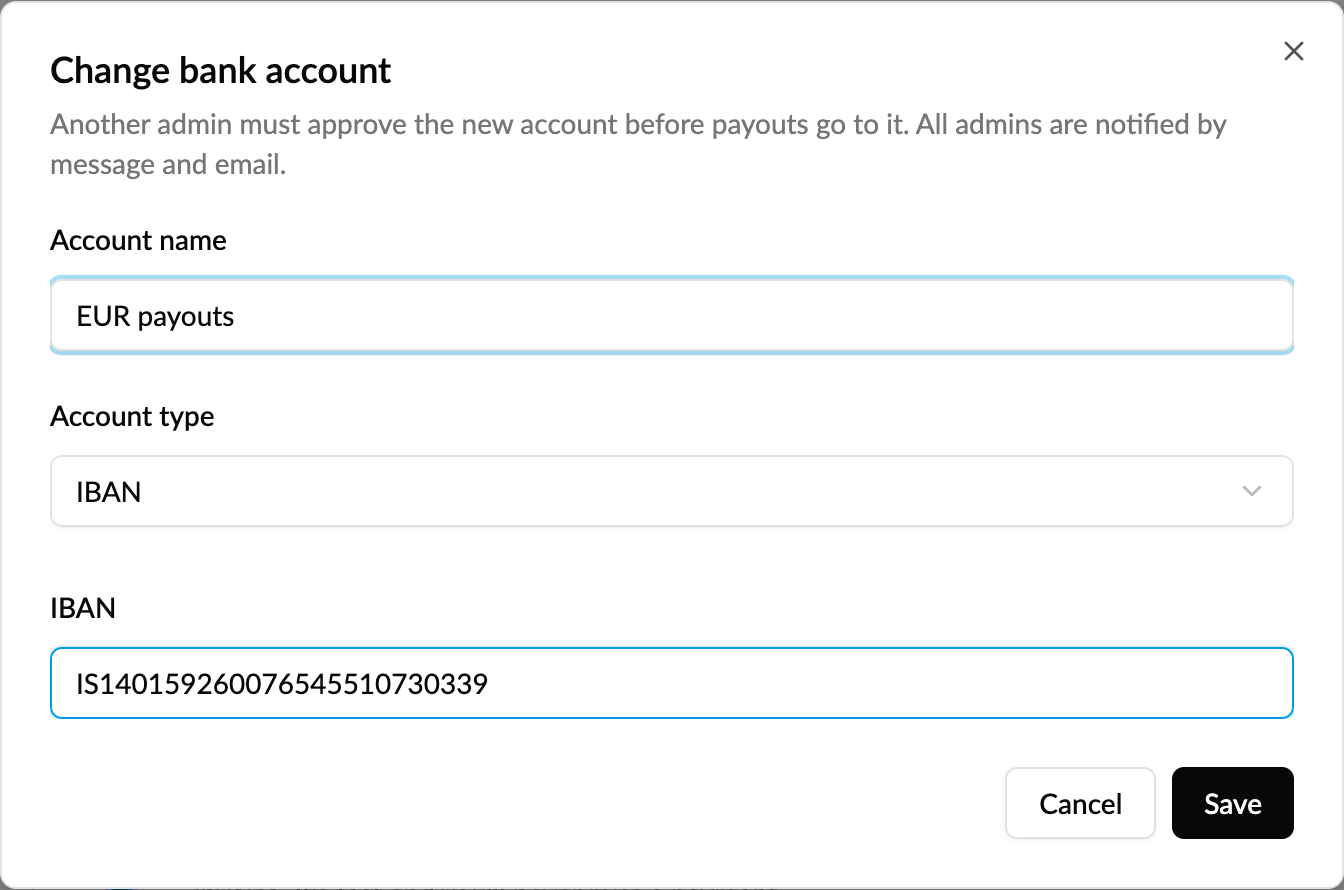
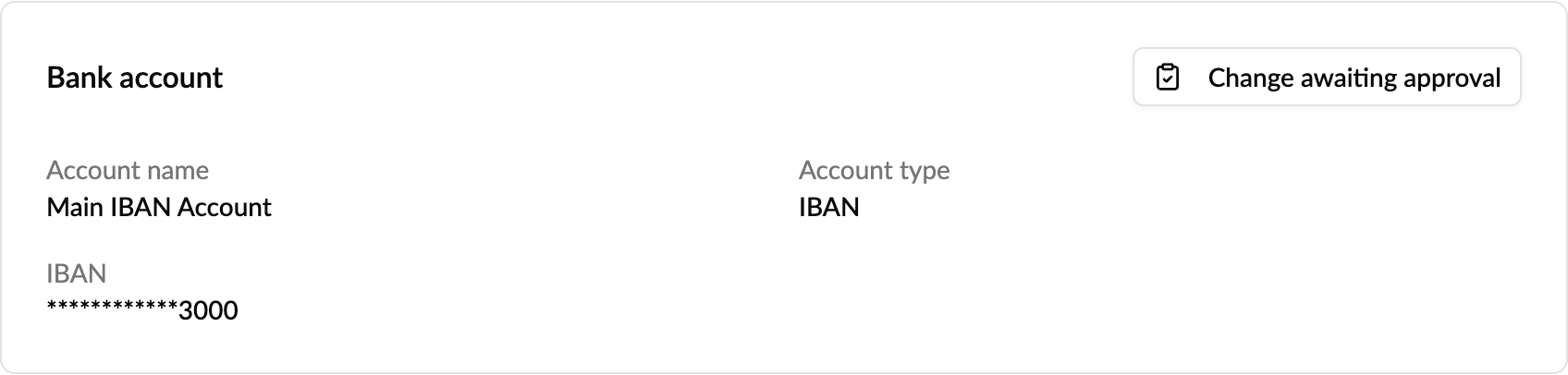
Nothing changes yet. Payouts keep going to the current account, and the card now shows Change awaiting approval, which opens the change request.
Supported account types: IBAN; US routing and account number; Canadian institution, transit and account number; UK sort code and account number; and Australian BSB.
How do I approve or reject the change?
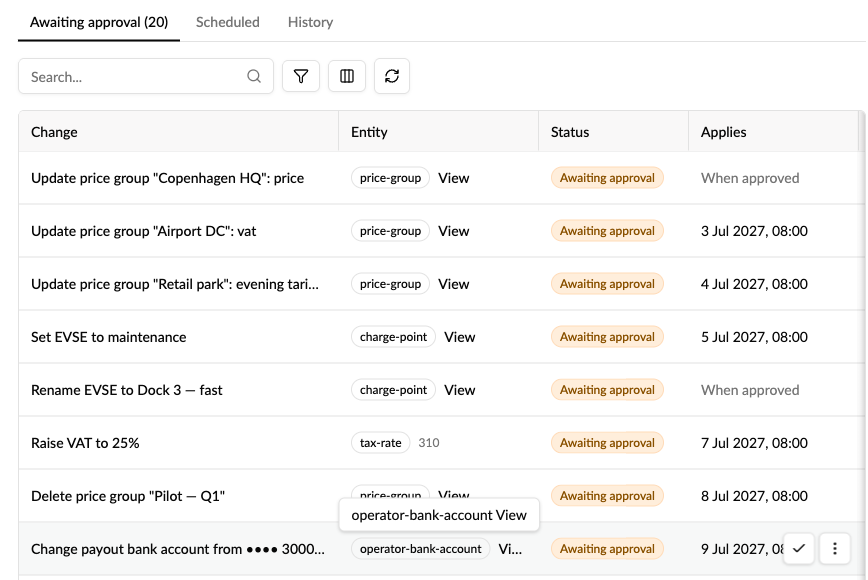
- Go to Operations → Change requests. The change is listed on the Awaiting approval tab, next to your other change requests, as "Change payout bank account from •••• 1234…".
- Check the request, and if you didn't expect it, confirm it with the person who asked before you act.
- Click the check mark to approve it, or reject it from the row menu.
When it's approved, the new account replaces the old one straight away: every detail is replaced, so switching from an IBAN to a UK sort code and account number leaves no old IBAN behind. Payouts from then on go to the new account.
The person who asked for the change can't approve it, only withdraw it. See Cancel or withdraw a change.
Who is notified, and when?
- When a change is requested: every operator admin gets a message in Monta Hub and an email saying who asked for it, with the current and the new account masked to the last four characters. The request is only created once the Hub messages are delivered. If they can't be delivered, nothing is created and you're asked to try again.
- When it's approved or rejected: every operator admin is told the outcome by Hub message and email.
- When Monta support changes the account for you: every operator admin is told that too.
Every request and decision also stays visible under Change requests (Awaiting approval and History), and approved changes are written to the audit log.
Who can request and approve a change?
- Request: any operator member whose role has the bank account update permission.
- Approve or reject: an operator admin who also has the bank account update permission, and isn't the person who asked.
- Notified: every operator admin.
Good to know
- Only one bank account change can wait at a time. Wait for it to be decided, or withdraw it, before you request another.
- Requests don't expire. A change nobody decides keeps waiting on the Awaiting approval tab.
- Only one admin? Nobody else can approve the request. Contact Monta support, who can make the change for you after checking it. Every admin is notified when they do.
- You can only change an existing account here. To add your first bank account, use New under Bank accounts. See How do I manage my Operator account?
- Your payout currency is set on your wallet, not your bank account. To change it, contact Monta support.
- If you don't see Change bank account, the feature isn't turned on for your operator yet, or your role doesn't have the bank account update permission. Contact Monta support to change the account in the meantime.